



Synchronize Shopify Inventory to Airtable
Easily update your Shopify Products inventory and stock (all locations) from Airtable without tech skills or headaches.
TRUSTED BY 500+ SHOPIFY MERCHANTS AROUND THE WORLD








Next-level Inventory synchronization
⚡️
Instant sync
Any change reflect in real-time to and from Airtable.
🔁
2-way sync
Update from Shopify reflect in Airtable. And the other way around.
✚
New location
Airtable gets updated even if you create a location along the way.
30 seconds set up
Install the app
Get SyncBase on the Shopify App Store and pick a plan (10-day free trial with no engagement).

Connect to Airtable
Connect our app to your Airtable account in 1-click.
Configure your sync
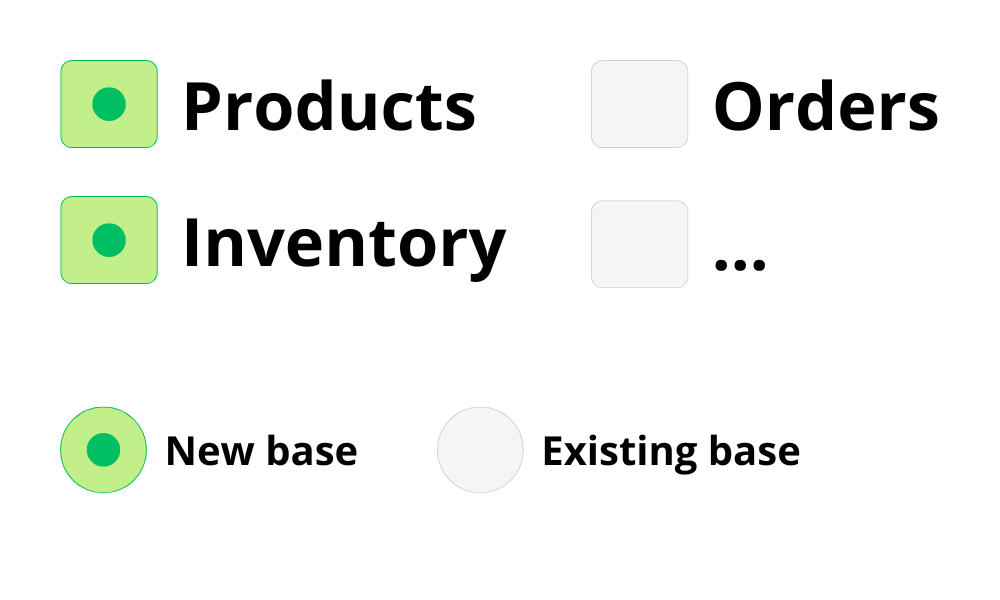
Choose which data to sync (or not) and if you want it into a brand new Airtable base or an existing one.
Update inventory
Update your stock at a Product and Location level.
Great customers deserve a great app

It's perfect!
"Exceptional customer support combined with an easy to use app that does what it says it does. It's perfect!"
Incredible support
"Easy onboarding, minimal configuration required. It just works straight out the box. Incredible and friendly support when needed. Syncbase is a credit to Shopify. Love this app!"
Better than Airpower
"Just started using the app after a month with AirPower. What took 3 weeks in AirPower was almost instant in Syncbase."
Any question on Inventory sync?
Can I try SyncBase for free?

How do I sync my data?
No code skills needed! You just have to install our app on your Shopify store, connect your Airtable account and then click on a button "Generate base". We then create a sync base in your Airtable workspace.
This sync base contains all your store data (Inventory included), every change made in Shopify reflects instantly in this base.
How fast is the synchronization?
Data syncs in real-time (few seconds max). For more information, see our help center.
Can I sync Inventory for all Products and Locations?
Yes. When we generate your synced base, we create a “Variants” tab and add a column for each location. You can then update inventory levels for each variant at each location directly from Airtable.
What's happening if I create a new location along the way?
As soon as we detect a new location in your store, SyncBase will add a corresponding column to your “Variants” tab. You’ll then be able to manage inventory for that location directly from Airtable.
Can I get a custom sync with specific data?
Of course. You just have to send a message to theau@syncbase.app






Yes you can! We offer a 10-day free trial for any plan. Means that you can try SyncBase (Inventory included) for free 10 days, and if you uninstall before the end of your trial you will not pay anything.